

Pulling clean data from a website used to mean hours of writing brittle scripts or copy-pasting rows by hand. AI web scraper tools changed that almost overnight, letting you point at any page and get structured data back in minutes instead of days.
I’ve spent months testing AI scraping tools for lead generation, competitor monitoring, and content research. Some looked great in a demo but fell apart on real websites. Below are the five AI web scrapers that have actually earned a permanent spot in my toolkit for 2026, along with honest pricing and review breakdowns for each.
Can ChatGPT Scrape Websites?
Not really, at least not on its own. ChatGPT can fetch and read a single page through its browsing feature, but it doesn’t reliably crawl multiple pages, handle pagination, or export clean structured data at scale.
To actually scrape a website with AI, you need a dedicated scraping engine paired with a large language model. The scraper handles the technical side, rendering JavaScript, navigating pages, bypassing bot blockers, while the AI model interprets the content and organizes it into the format you want, whether that’s a spreadsheet, JSON file, or CRM record. Several tools on this list, including Gumloop and Firecrawl, are built specifically to feed clean web data into ChatGPT or any other LLM you prefer.
5 Best AI Web Scraper Tools to Use in 2026
Here’s a quick look at the tools we’re covering:
- Gumloop, best all-in-one AI automation platform with a scraping node
- Octoparse, best for large-scale, template-driven scraping
- Browse AI, best for monitoring website and competitor changes
- Thunderbit, best for fast, two-click marketplace and LinkedIn scraping
- Firecrawl, best for developers building AI apps on scraped data
| Tool | Best For | Free Plan | Starting Paid Price |
| Gumloop | AI workflow automation | Yes | $37/month |
| Octoparse | Enterprise-scale scraping | Yes | $99/month |
| Browse AI | Website & price monitoring | Yes | $48/month |
| Thunderbit | Marketplace & LinkedIn scraping | Yes | $15/month |
| Firecrawl | Developer-first scraping API | Yes | $16/month |
Let’s break each one down in detail.
1. Gumloop
- Best for: No-code AI automation workflows that include web scraping
- Pricing: Free plan available, paid plans start at $37/month
- Standout feature: Drag-and-drop scraper node that connects to any LLM
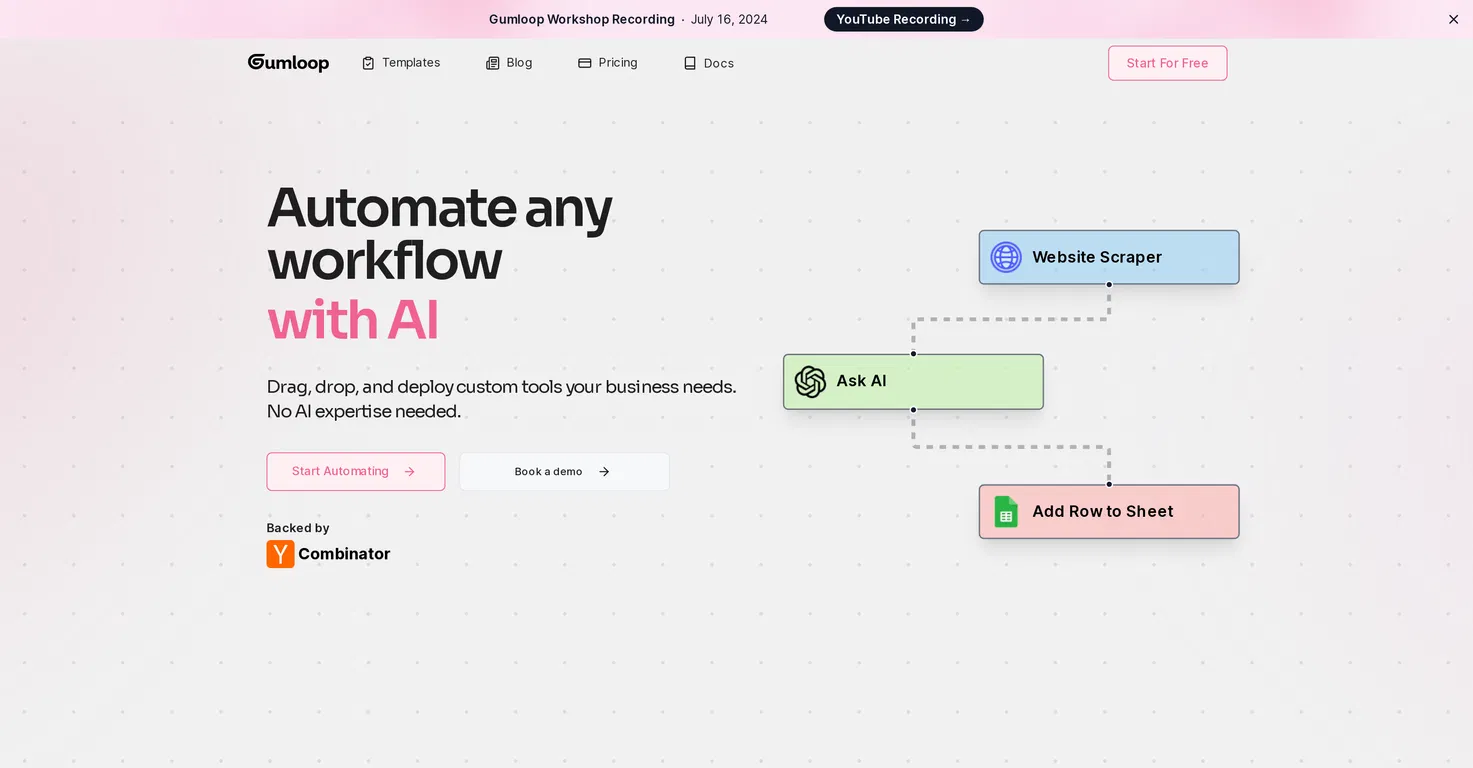
Gumloop is a visual, no-code automation builder rather than a pure scraping tool. You drag nodes onto a canvas and wire them together to build a full pipeline, and one of those nodes is a dedicated web scraper that pulls data from any URL you give it.
What makes it useful for scraping specifically is how easily it plugs into everything else. You can connect the scraper node straight to an AI node running GPT, Claude, Gemini, or another model, then route the cleaned-up output into a Google Sheet, Airtable base, or Slack message, all without writing a single line of code. That’s a genuinely different workflow than opening a scraper, exporting a CSV, and manually importing it somewhere else.
It’s a good fit if scraping is just one step in a bigger automated process, like enriching leads or building a research pipeline, rather than the entire job.
Gumloop Pricing
Gumloop runs on a credit-based system, so your real monthly cost depends on how many AI-heavy steps your workflows use, not just the plan you pick.
| Plan | Price | What You Get |
| Free | $0/month | Limited monthly credits, 2 concurrent runs, forum support |
| Pro | From $37/month | 20,000+ credits, unlimited seats, 5 concurrent runs, priority support |
| Enterprise | Custom pricing | Unlimited usage, SSO/SCIM, audit logs, dedicated support |
Because credits scale with usage, it’s worth mapping out roughly how many scraping and AI steps you’ll run each month before committing to a tier.
Gumloop Reviews
Gumloop holds strong ratings across third-party review platforms, with users regularly highlighting how much manual work it removes for non-technical teams. Common praise points include:
- Easy to learn for people without a coding background
- Flexible enough to connect scraping to almost any downstream tool
- Fast to get a working automation live, often within the same day
The main criticism that comes up is the credit system, heavy AI workflows can burn through your monthly allowance faster than expected, so it pays to monitor usage early on.
2. Octoparse
- Best for: Structured, large-scale web scraping projects
- Pricing: Free plan available, paid plans start around $99/month
- Standout feature: Hundreds of ready-made scraping templates
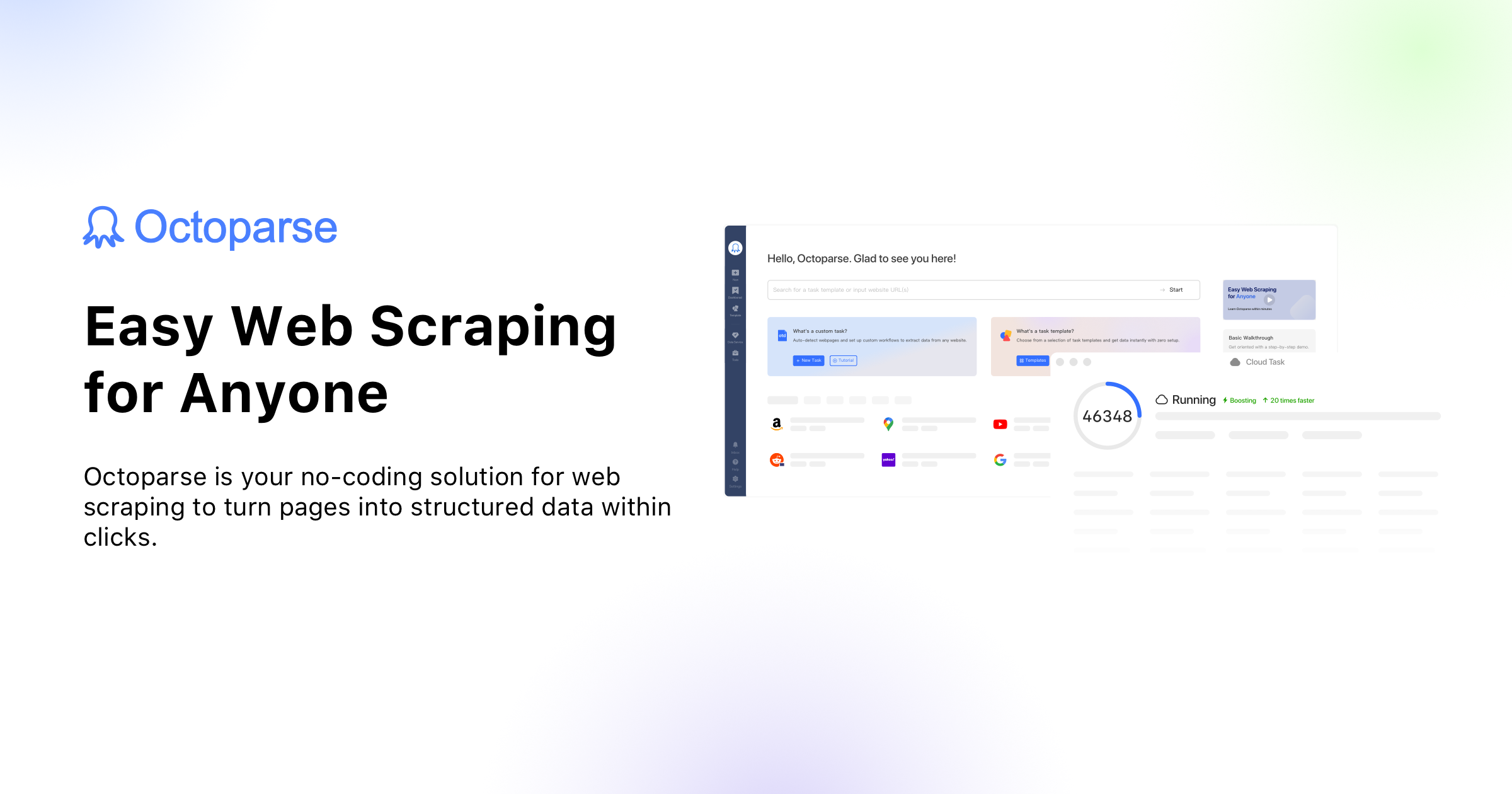
Octoparse has been around longer than most tools on this list, and it shows in how mature the platform feels. It’s built specifically for scraping, not general automation, so the interface is entirely focused on selecting page elements, handling pagination, and exporting clean datasets.
Read More:260+ Book Puns: Funny Literary Puns for Every Reader
For anyone dealing with anti-scraping defenses, Octoparse includes IP rotation, automatic CAPTCHA solving, and cloud-based extraction that runs even after you close your laptop. It also ships with hundreds of pre-built templates for popular sites, think product listings, search engine results, or social platforms, which can save serious setup time compared to building a scraper from scratch.
The tradeoff is a steeper learning curve than newer AI-first tools. It’s a strong choice if you’re scraping at real scale and don’t mind a bit of a ramp-up period.
Octoparse Pricing
| Plan | Price | What You Get |
| Free | $0/month | 10 tasks, local runs only, limited monthly exports |
| Standard | ~$99/month | 100 tasks, cloud extraction, scheduled scraping |
| Professional | ~$249/month | 250 tasks, advanced API access, more concurrent runs |
| Enterprise | Custom pricing | Unlimited tasks, dedicated account manager, custom SLA |
Annual billing typically lowers the effective monthly cost by around 15–20% compared to paying month to month.
Octoparse Reviews
Octoparse consistently earns high marks on major review platforms:
- G2: Around 4.8 out of 5 stars
- Capterra: Around 4.5 out of 5 stars
Reviewers frequently mention the depth of templates and reliability on complex, JavaScript-heavy websites. The most common complaint is pricing, since the jump from the free plan to Standard is fairly steep for solo users or small side projects.
3. Browse AI
- Best for: Tracking and monitoring changes on websites over time
- Pricing: Free plan available, paid plans start at $48/month
- Standout feature: Automated alerts when a page’s data changes
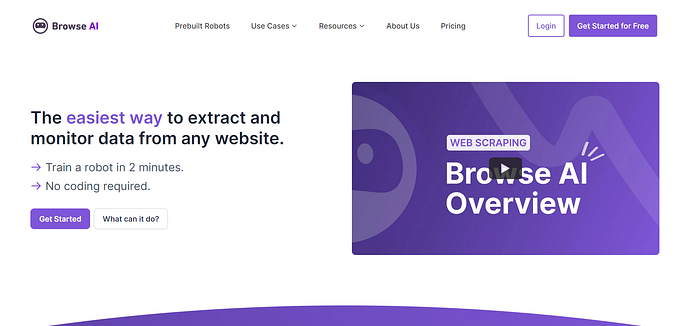
Browse AI leans into a slightly different use case than the other tools here: monitoring. Instead of just extracting data once, it’s built to watch a page continuously and notify you the moment something changes, a price drop, a new job posting, a fresh blog article, or an updated review count.
You “train” a robot by clicking the data points you care about on a live page, and Browse AI learns the pattern from there. It then re-checks that page on a schedule you set, from every few minutes to once a day, and logs every change it finds. This makes it a favorite for competitor price tracking, real estate listing alerts, and local business directories.
It also handles one-off bulk extraction well, so you’re not limited to monitoring alone if you just need a single data pull.
Browse AI Pricing
| Plan | Price | What You Get |
| Free | $0/month | 50 credits, monitor 2 websites, basic email support |
| Personal | From $48/month | More credits, up to 5 monitored websites |
| Professional | From $87/month | Higher credit volume, up to 10 monitored websites |
| Premium | From $500/month | Fully managed setup, high-volume credits |
Browse AI Reviews
Browse AI performs well on independent review sites:
- G2: Around 4.8 out of 5 stars
- Capterra: Around 4.5 out of 5 stars
Users repeatedly call out how quickly you can set up a working “robot” without any technical background. The recurring criticism involves the credit system, several reviewers note that test runs also consume credits, which can make usage harder to predict at higher volumes.
4. Thunderbit

- Best for: Fast scraping of marketplaces, job boards, and LinkedIn
- Pricing: Free plan available, paid plans start at $15/month
- Standout feature: Extracts structured data in just a couple of clicks
Thunderbit is a Chrome extension-based AI scraper built for speed. Rather than configuring selectors or building a workflow, you install the extension, open the page you want, and let its AI figure out the data structure automatically, often in two clicks, as the name suggests.
It’s particularly popular with sales, recruiting, and operations teams because of how well it handles marketplace-style sites like Amazon, Zillow, and Google Maps, plus platforms like LinkedIn for prospecting and candidate research. Beyond standard web pages, it also supports pulling structured data out of PDFs and images, which is a rarer feature among no-code scrapers.
Once extracted, data can be exported directly to Google Sheets, Airtable, Notion, or Excel, which keeps it useful for non-technical users who just need clean output fast.
Thunderbit Pricing
| Plan | Price | What You Get |
| Free | $0/month | 6 pages/month, all core features unlocked |
| Starter | From $15/month | 500 credits, up to 5 scheduled scrapers |
| Pro | From $38/month | 3,000 credits, up to 25 scheduled scrapers |
| Business | Custom pricing | Custom credits, priority support |
Annual billing brings the Starter and Pro plans down noticeably, so it’s worth checking the yearly rate if you plan to use it long-term.
Thunderbit Reviews
Thunderbit is newer than some competitors, but early feedback trends positive:
- Product Hunt: Strong ratings from early adopters, often praising setup speed
- G2 and Capterra: Generally favorable, with users highlighting ease of use on complex sites like Glassdoor and LinkedIn
The most common piece of constructive feedback is around pricing for heavier users, since credits can add up quickly on data-rich sites with many rows per page.
5. Firecrawl
- Best for: Developers building AI apps and agents on top of web data
- Pricing: Free plan available, paid plans start at $16/month
- Standout feature: Open-source and built specifically for LLM-ready output
Firecrawl is the most developer-focused tool on this list. Instead of a visual, no-code builder, it’s an API: you send it a URL, and it returns the page as clean markdown, structured JSON, or a screenshot, stripped of ads, navigation menus, and cookie banners.
That LLM-ready format is exactly why it’s become so popular for building AI agents, RAG pipelines, and internal research tools. Beyond single-page scraping, Firecrawl can crawl an entire site and return content for every page, and it includes a search function that pulls full page content straight from search results. Being open source also means teams with strict data requirements can self-host it.
It’s not the tool to reach for if you want a point-and-click interface, for that, Octoparse or Browse AI are a better fit. But for anyone writing code that needs reliable web data, it’s hard to beat.
Firecrawl Pricing
| Plan | Price | What You Get |
| Free | $0/month | 1,000 credits, no credit card required |
| Hobby | From $16/month | 5,000 credits, 5 concurrent requests |
| Standard | From $83/month | 100,000 credits, 50 concurrent requests |
| Growth | From $333/month | 500,000 credits, higher concurrency |
| Enterprise | Custom pricing | Unlimited credits, dedicated infrastructure |
Note that 1 credit generally equals 1 scraped page, though features like JSON extraction or stealth mode for protected sites can use up more credits per page.
Firecrawl Reviews
Firecrawl doesn’t have a large footprint on traditional review sites like G2 yet, but it has strong traction elsewhere:
- Tens of thousands of GitHub stars and an actively maintained open-source repository
- Consistently positive feedback on Product Hunt, with developers praising the clean markdown output and simple API setup
If you want a fully documented review before committing, it’s worth searching for independent developer write-ups that test Firecrawl against real websites.
What Is the Best AI Model for Web Scraping?
There isn’t a single “best” model for every situation, but a few consistently perform better than others when it comes to parsing messy web content and turning it into structured output.
| AI Model | Strength for Web Scraping |
| GPT-5 (OpenAI) | Strong at handling messy HTML and generating clean JSON/CSV output |
| Claude Opus (Anthropic) | Excellent reasoning for complex, multi-step extraction tasks |
| Gemini (Google) | Solid at handling large context windows for long pages |
The model itself is only half the equation, though. None of these AI models can visit a website and pull the raw content on their own, you still need a dedicated scraping tool or API to fetch the page first. That’s why the tools covered above pair a scraping engine with your AI model of choice: the scraper gathers the raw data, and the model turns it into whatever structured output you actually need.
As AI models keep improving, expect scraping tools to lean even harder into this combination, better raw extraction, paired with smarter models for interpreting what’s on the page.
Frequently Asked Questions
Is AI web scraping legal?
Scraping publicly available data is generally legal, but scraping personal data, bypassing paywalls, or violating a site’s terms of service can carry legal risk. Always check a site’s robots.txt and terms before scraping.
Do I need to know how to code to use an AI web scraper?
No. Tools like Gumloop, Octoparse, Browse AI, and Thunderbit are all no-code, point-and-click platforms built for non-technical users.
Which AI scraper is best for beginners?
Thunderbit and Browse AI are the easiest to pick up quickly, since both use simple click-based training instead of complex workflow building.
Can AI web scrapers bypass CAPTCHAs?
Some can. Octoparse and Firecrawl both offer built-in CAPTCHA-solving and anti-bot bypass features on their paid plans.
How much does AI web scraping typically cost?
Most tools offer a usable free plan, with paid plans generally starting between $15 and $99 per month depending on volume and features needed.
Conclusion
Choosing the right AI web scraper really comes down to what you’re trying to accomplish. If you want an all-in-one automation platform, Gumloop is hard to beat. For heavy-duty, large-scale extraction, Octoparse still leads the pack among no-code tools.
If monitoring matters more than one-time extraction, Browse AI fits naturally. Sales and ops teams will likely prefer Thunderbit’s speed, while developers building AI-native products should look straight to Firecrawl. Test the free plans first, since real-world results vary more by website than by tool alone.